AI Consulting Services
 RAG Development
 LLM Development
 AI App Development
 AI Software Development
 AI Integration Services
 AI Agent Development
 AI Chatbot Development
 LLM Fine-Tuning
 Generative AI Integration
 AI Copilot Development
 Data Analytics
 Data Warehousing
 Data Annotation
 AIOps
AIOps
 DevOps Consulting
 DevOps Automation
 SRE
SRE
 LLM Observability
 AI for Healthcare
 AI for CRM
 AI for Customer Support
 AI for Manufacturing
 AI for Real Estate
 AI for Education
 AI for Finance
 AI for E-Commerce
 AI/ML Consulting
 Object Detection
 ChatBot Development
 Computer Vision
 Natural Language Processing
 Data and Ai
 Mobile Apps Development
 Chrome Extension Development
 Odoo Development Services
 Odoo Implementation Services
 Odoo Customization Services
 Odoo Integration Services
 Odoo Migration & Upgrade Services
 Odoo ERP Consulting Services
 Odoo Support and Maintenance Services
 Odoo AI & Automation Services
 Salesforce Consulting
 Salesforce Product
 Salesforce Case Study
 SuiteCRM Consulting
 SuiteCRM Addons
 Devops
 AWS Consulting
 Digital Ocean Consulting
 OnPrem. Server Support
 Cloud Migration Services
 Salesforce WhatsApp Business API
 Salesforce WhatsApp Web Integration
 Salesforce Telephony Integration
 Dentrix To GHL
 Outlook Integration
 MindBody Integration
 Zillow Integration
 Open Dental To GHL
 Number Plate Recognition
 Taxi App & Mobility
 Smart Bus & Fleet System
 HR Solutions (Salesforce)
 Quick HRMS (SuiteCRM)
 CRM For Telecom Industry
 CRM For Travel
 CRM For Call Center
 CRM For Education
 CRM For Healthcare
 CRM For Clinics
 CRM For Locksmith
 CRM For Law
 NodeJS
 Python
 .NET
.NET
 Classic ASP
 Core PHP
 ReactJS
 AngularJs
 Android
 iOS
iOS
 Flutter
 React Native
 AR/VR
AR/VR
 CodeIgniter
 Laravel
 Hire .NET Core Developer
 Hire Salesforce Developer
 Hire Odoo Developers
 CRM For Legal Practice
 Online Photo Booking System
 Task Scheduler for Construction Industry
 Patient Management Software
 Dentist Management System
 Food Delivery App
 CRM For Aviation Company
 Salesforce Marketing Cloud for Online Retail Store
 Salesforce Implementation & Customization For RFID Supplier
 Ecommerce System Integration With ERP
 CRM For Real Estate Company
 Find Nearby Salon
 Taxi Booking App
 CRM For Travel Agency
 Case Management Software
 Engineering Company Website
 CRM For Telecom Industry
 Company Profile
 SuiteCRM Profile
 Telco CRM white paper
 AI enabled speech analysis

Understand Your Requirements
Gather information about your Odoo version, applications, current setup, and reported issue.
Pioneer in Offering CRM Solutions since 2010...
 ChatGPT Development
 Claude AI Development
 Gemini AI Development
 Microsoft Copilot Development
 DeepSeek AI Development
 LangChain Development
 CrewAI Development
 AutoGen Development
 LangGraph Development
 Pinecone Development
 Weaviate Development
 AI Workflow Automation
 Qdrant Development
 Cursor AI Consulting
 GitHub Copilot Consulting
 Enterprise AI Search (Soon)
ChatGPT Development
Claude AI Development
Gemini AI Development
Microsoft Copilot Development
DeepSeek AI Development
LangChain Development
CrewAI Development
AutoGen Development
LangGraph Development
Pinecone Development
Weaviate Development
AI Workflow Automation
Qdrant Development
Cursor AI Consulting
GitHub Copilot Consulting
Enterprise AI Search (Soon)
ChatGPT Development
Claude AI Development
Gemini AI Development
Microsoft Copilot Development
DeepSeek AI Development
LangChain Development
CrewAI Development
AutoGen Development
LangGraph Development
Pinecone Development
Weaviate Development
AI Workflow Automation
Qdrant Development
Cursor AI Consulting
GitHub Copilot Consulting
Keep your Odoo ERP system reliable, efficient, and aligned with your changing business needs. Variance Infotech provides Odoo support and maintenance services to help businesses troubleshoot issues, fix bugs, maintain customizations, manage upgrades, and improve system performance.
Whether you need help with an existing Odoo setup or ongoing technical assistance, we can help you plan the right support approach for your business.
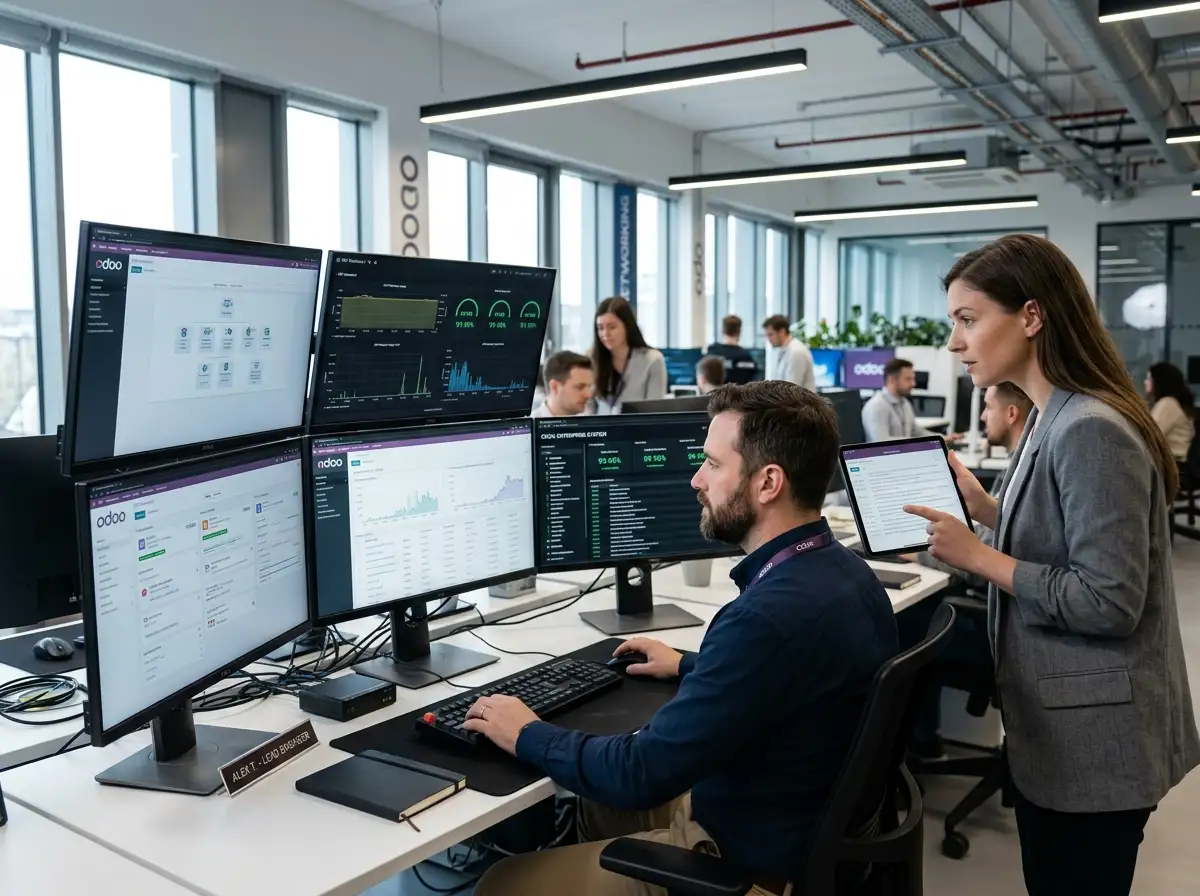
Odoo brings essential business applications into one connected platform, helping organizations manage workflows across sales, accounting, inventory, purchasing, manufacturing, and other business functions.
As your business evolves, your Odoo environment may need configuration changes, updates, troubleshooting, and technical maintenance to continue supporting your operations.
With the right support strategy, Odoo can help your business:
Manage relevant business functions through an integrated application ecosystem.
Update workflows and configurations as your requirements evolve.
Maintain access to relevant business information and reporting.
Identify and address technical issues that affect day-to-day operations.
Plan updates and upgrades with attention to custom modules and connected applications.
From resolving immediate technical issues to maintaining a customized ERP environment, our support services can be scoped around your Odoo version, applications, integrations, and business priorities.
Get assistance investigating Odoo errors, unexpected behavior, configuration issues, and technical questions affecting your users.
Identify the cause of reported software issues and implement appropriate fixes after evaluating the problem and its impact.
Maintain your Odoo environment through agreed technical reviews, corrective maintenance, and updates to supported custom functionality.
Plan Odoo version upgrades with compatibility assessments, customization reviews, testing, and deployment preparation.
Investigate slow workflows, page loading issues, inefficient queries, and other performance bottlenecks to identify opportunities for improvement.
Maintain and troubleshoot custom Odoo modules, including functionality developed to support specific business processes.
Investigate issues affecting connections between Odoo and third-party applications, APIs, and other business systems.
Assist with appropriate database maintenance, data-quality checks, backup planning, and recovery preparation based on the environment and agreed scope.
Get help reviewing application settings, access permissions, workflows, reports, and other configurations to better align Odoo with your business needs.
Arrange recurring technical assistance based on your support requirements, system complexity, priorities, and agreed service terms.


Effective Odoo support and maintenance helps you resolve issues, maintain custom workflows, and ensure system reliability as your business needs evolve.
Investigate reported errors and technical problems to help restore expected system behavior.
Keep custom modules and workflows under review as business requirements and the Odoo environment change.
Review compatibility, dependencies, and testing requirements before implementing version changes.
Identify potential bottlenecks and recommend appropriate technical improvements based on investigation.
Use agreed maintenance, backup, and recovery practices to prepare for operational disruptions.
Review your evolving needs and plan improvements to configurations, integrations, and custom functionality.
Our support process is designed to clarify the issue, assess its impact, and identify an appropriate solution.
Gather information about your Odoo version, applications, current setup, and reported issue.
Review the available error details, affected workflows, configuration, custom modules, and integrations to investigate the issue.
Identify the proposed corrective action, dependencies, risks, and any access or approval requirements.
Apply the approved fix, configuration change, update, or maintenance activity within the agreed scope.
Test relevant business workflows and integrations to check that the change addresses the reported issue without introducing known regressions.
Coordinate deployment, record relevant changes, and communicate the outcome and any recommended follow-up actions.
For ongoing support engagements, review recurring issues and identify opportunities for preventive maintenance and system improvement.
Odoo environments can include multiple applications, customized workflows, and third-party integrations. Support requirements depend on the modules installed, Odoo version, hosting setup, and any custom development.
Leads, opportunities, quotations, and sales workflows.
Invoice workflows, financial configurations, and relevant reporting.
Stock movements, replenishment, purchasing, and order processing.
Production workflows, bills of materials, and related configurations.
Product catalogs, online orders, website functionality, and connected processes.
Employee workflows, recruitment, time off, projects, and timesheets.

Different industries depend on different ERP workflows. Our support approach considers your operational requirements, application configuration, custom modules, and integrations.
Support production workflows, bills of materials, inventory processes, and manufacturing-related configurations.
Troubleshoot issues involving product catalogs, sales orders, inventory, online stores, and point-of-sale workflows.
Maintain purchasing, stock management, order processing, and fulfillment-related workflows.
Support project management, timesheets, invoicing, customer records, and related business applications.
Assist with appropriate administrative, inventory, and business workflows, considering applicable privacy and regulatory requirements.
Support configured property-related workflows, vendor coordination, billing, and operational reporting where implemented.
Help investigate issues involving inventory, purchasing, order management, and connected logistics applications.
Support relevant administrative, employee, finance, project, and service workflows configured within the Odoo environment.
Odoo support is most useful when technical decisions are connected to real business requirements. Variance Infotech approaches support engagements with a focus on understanding your environment, investigating issues, and defining practical next steps.
We begin by understanding the issue and its effect on your workflows before determining the appropriate technical response.
Where the agreed scope and technical access permit, we can assess issues involving custom modules, configured workflows, and integrations.
A defined investigation and testing process helps clarify the problem, proposed fix, and validation requirements.
Assess dependencies and compatibility considerations before making significant changes to your Odoo environment.
Discuss one-time troubleshooting, a defined maintenance task, an upgrade project, or ongoing support based on your requirements.
Our wider software development capabilities can be relevant when Odoo support involves custom functionality or connections with other business applications.
Find answers to common questions about Odoo support and maintenance services, bug fixing, upgrades, custom module assistance, and ongoing system management.
Odoo support and maintenance services help businesses troubleshoot technical issues, fix bugs, maintain custom modules, review integrations, plan upgrades, and keep their ERP environment aligned with changing requirements.
Depending on the system and agreed scope, support may include application errors, configuration issues, broken workflows, custom module problems, integration failures, and performance concerns.
Ongoing support can be arranged based on your environment, business priorities, required coverage, and agreed service terms.
Custom Odoo environments can be assessed for support, subject to access to the relevant code, documentation, dependencies, and technical environment. An initial review may be needed to understand the existing implementation.
Yes, bug fixing can be included within an agreed engagement. The process typically involves reproducing the issue, investigating the cause, applying an appropriate fix, and testing the affected functionality.
An upgrade engagement can include compatibility assessment, custom module review, data migration planning, testing, and deployment preparation. The scope depends on your current and target versions and the complexity of your environment.







Our sales manager reaches out to you within a few days after analyzing your business requirements.
Meanwhile, we sign an NDA to ensure the highest level of privacy.
Our pre-sale manager presents project estimates and an approximate timeline.